


File size: 40.1 MB
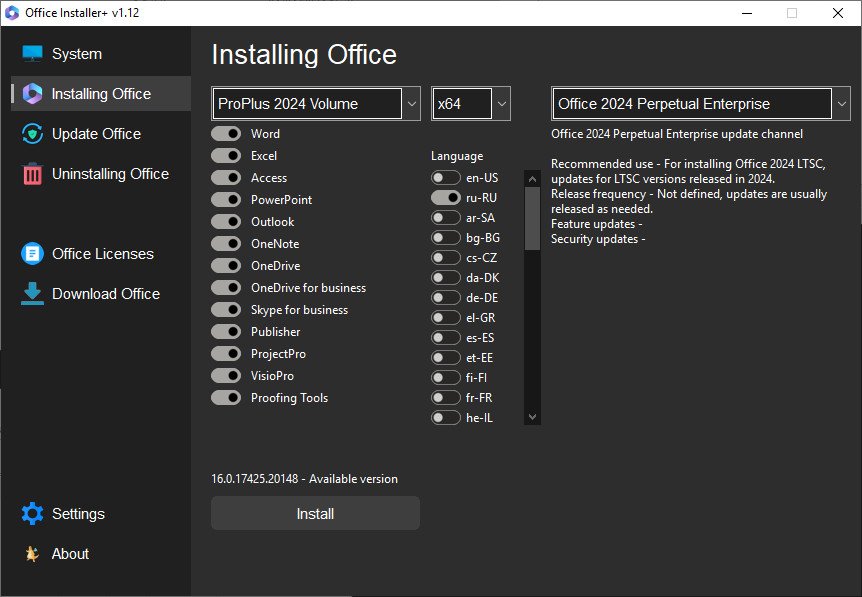
The program is designed for on-line and offline installation of Office 2016/2024 C2R. There is also the ability to create your own Office distribution for subsequent installation of Office off-line.
Working with the program
1. Uninstall Office C2R using the Uninstall button.
2. Remove Office C2R using "Force Remove Office" and restart your computer.
3. Install Office by clicking the "Install" button.
Screen :
What’s New
– The installation and update channel change windows now display the installed version of Office.
Free Download Link from Filestore : <br/> To support me, buy/renew your premium through my links : <br/> <br/> <br/> Please disable adblock : very important
https://datavaults.co/nab9uvfpyd9e/Office_Installer__v1.28.rar
https://rapidgator.net/file/a24e71ddf5f165b13cfca921cee3c588